
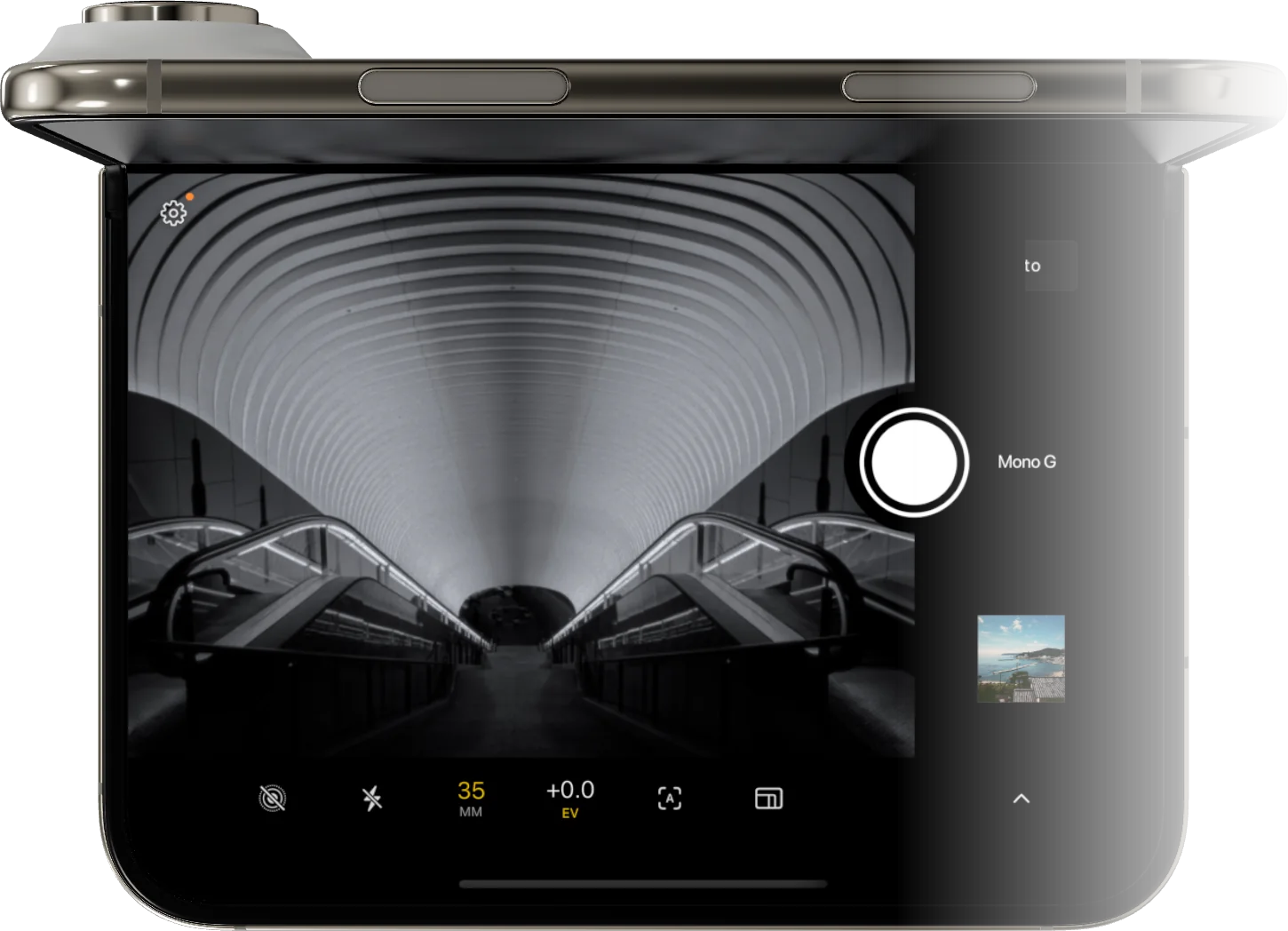
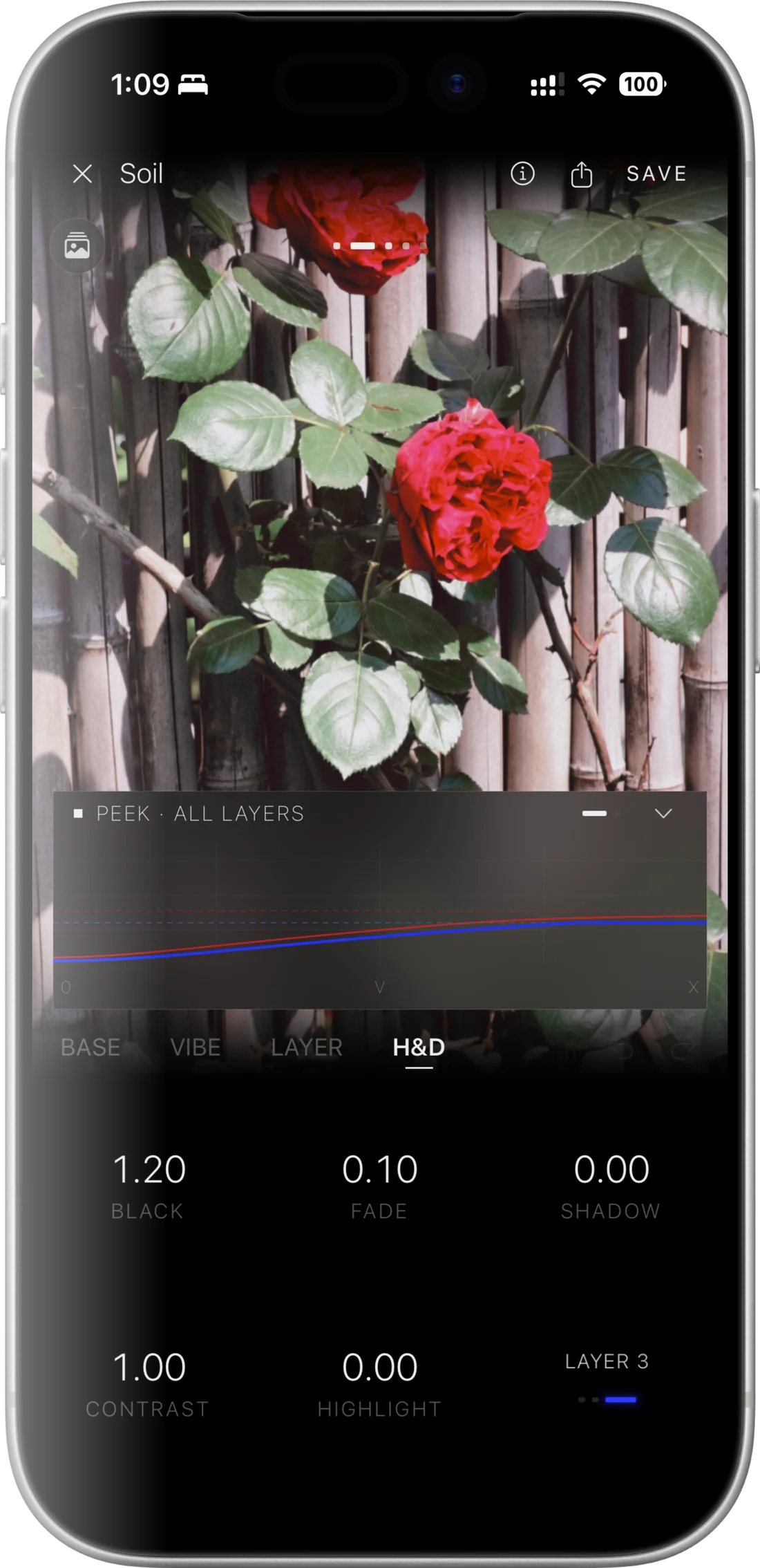
A creative camera for iPhone, built on film physics. Stack layers, dye, grain, and glow, see what comes out, and share it as a code.
No account, nothing leaves your phone.
Requires iPhone 13 or newer · iOS 18 or later
Shot on Oqra
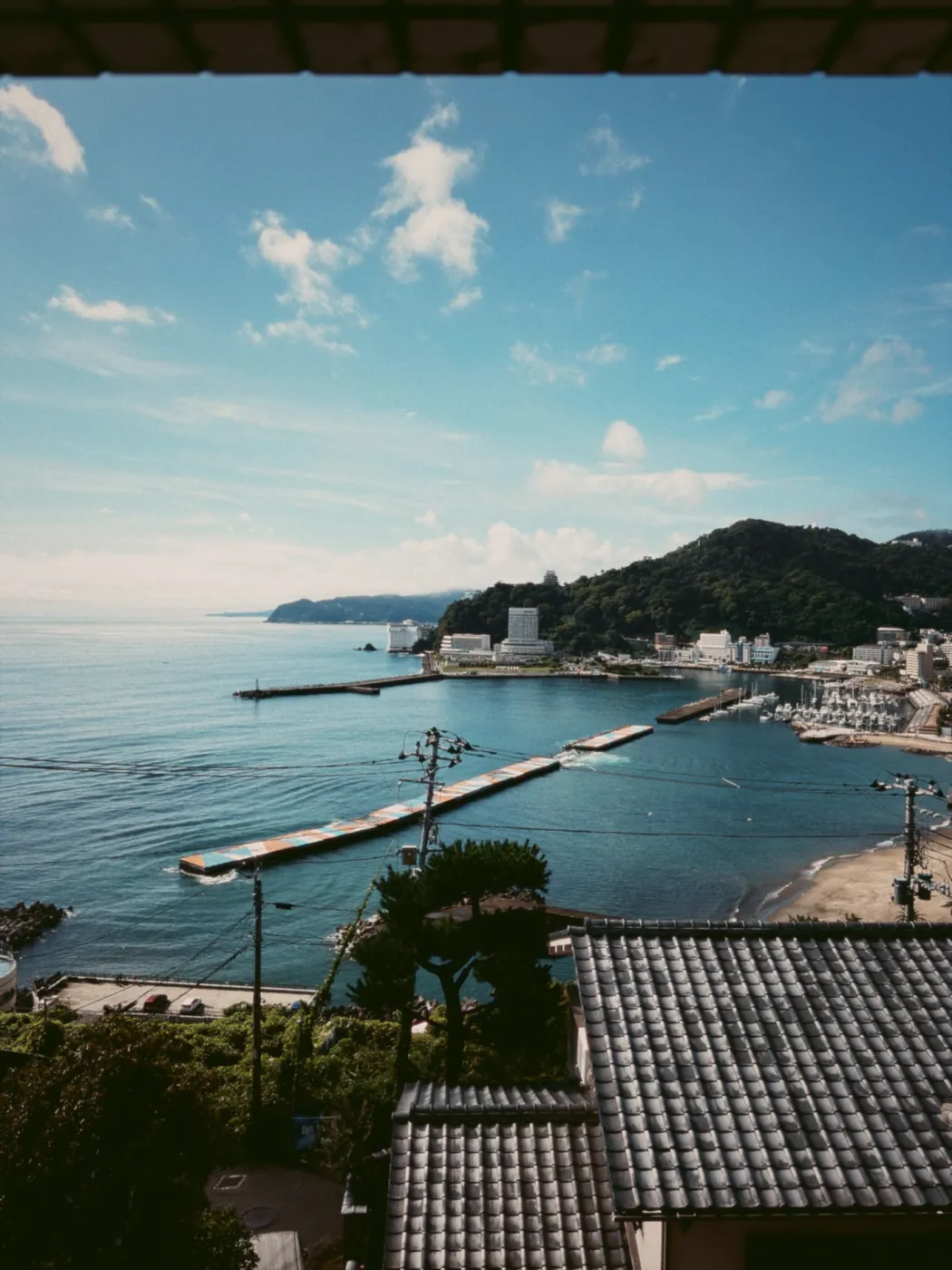
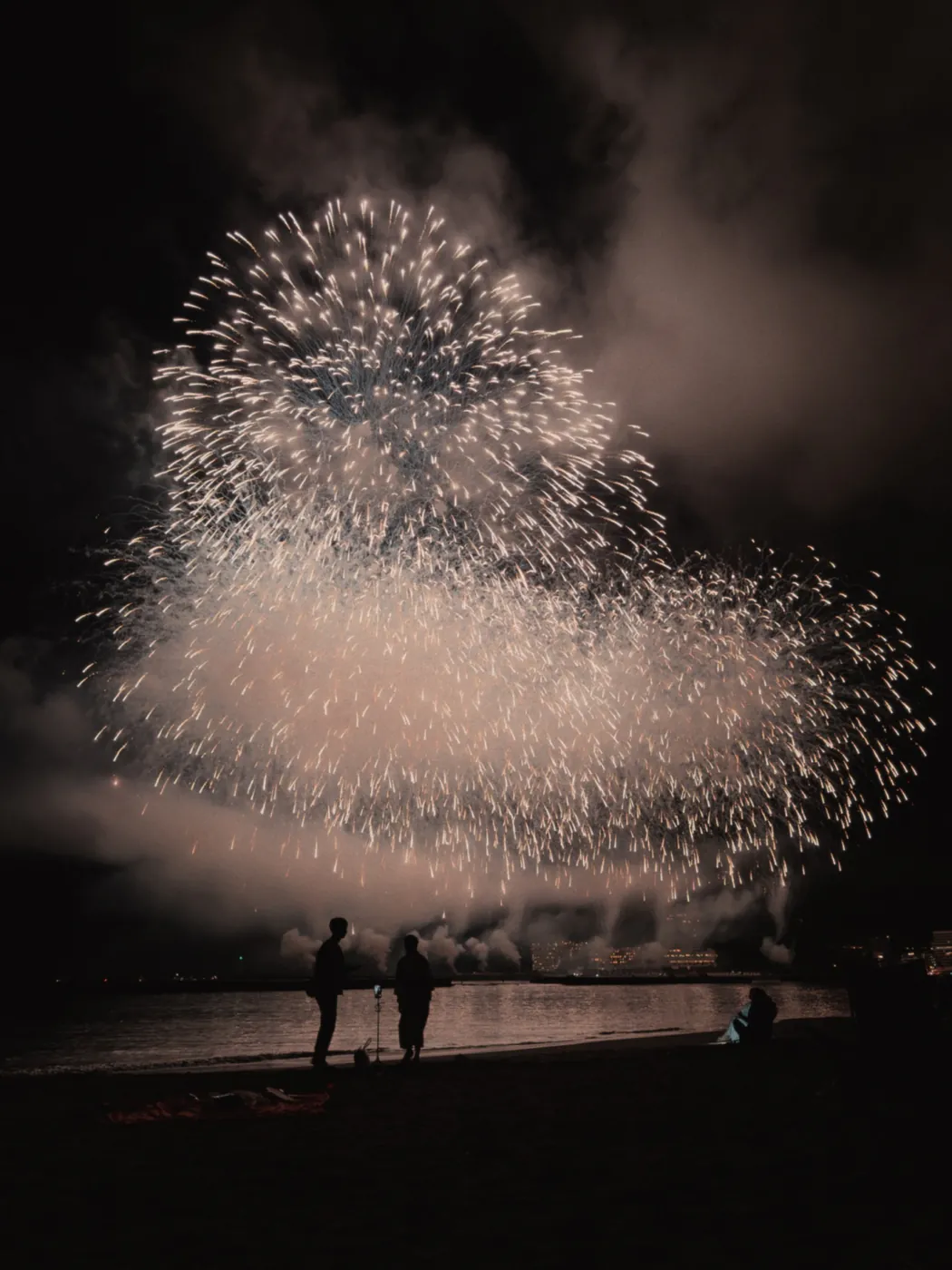
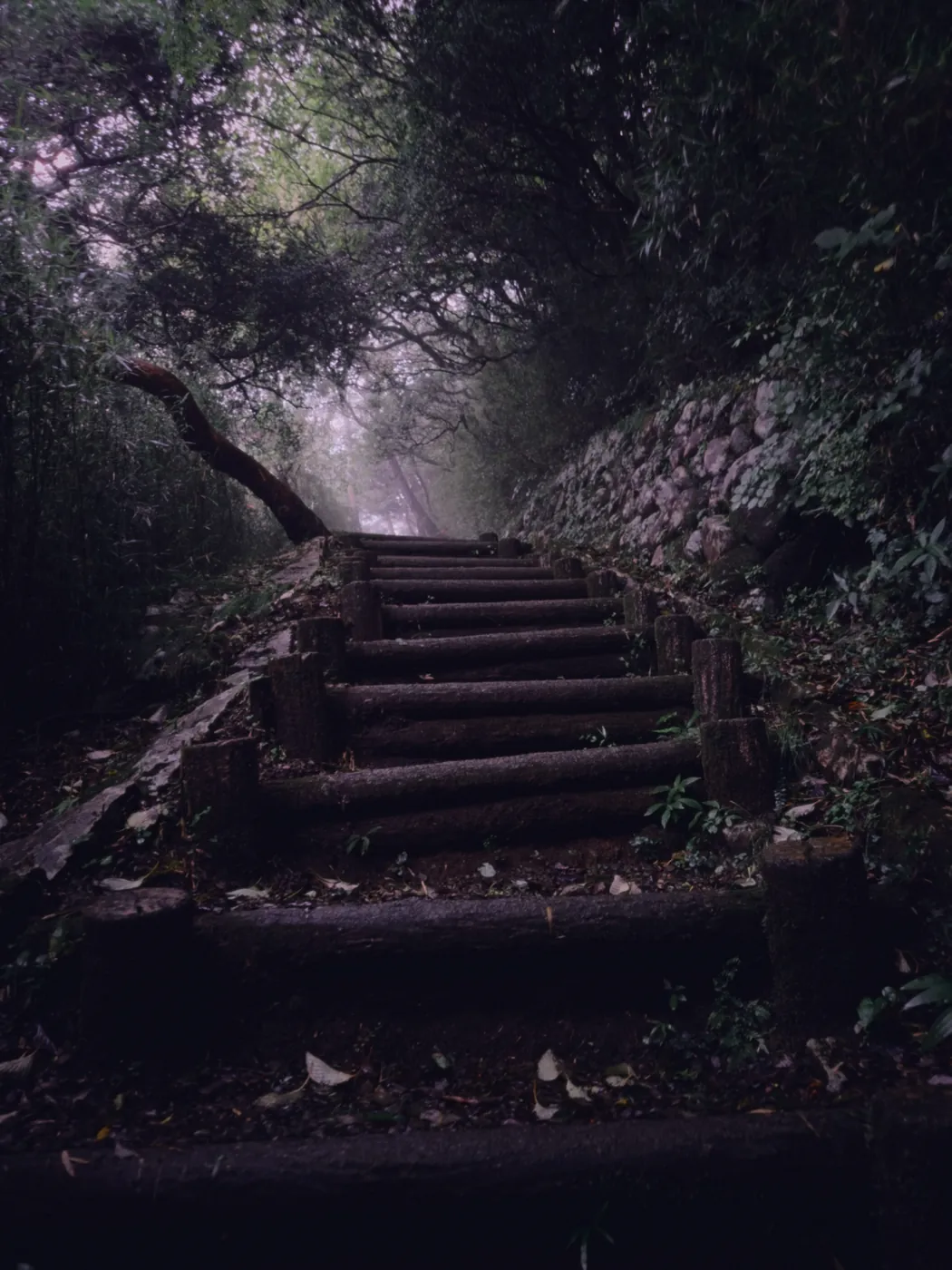
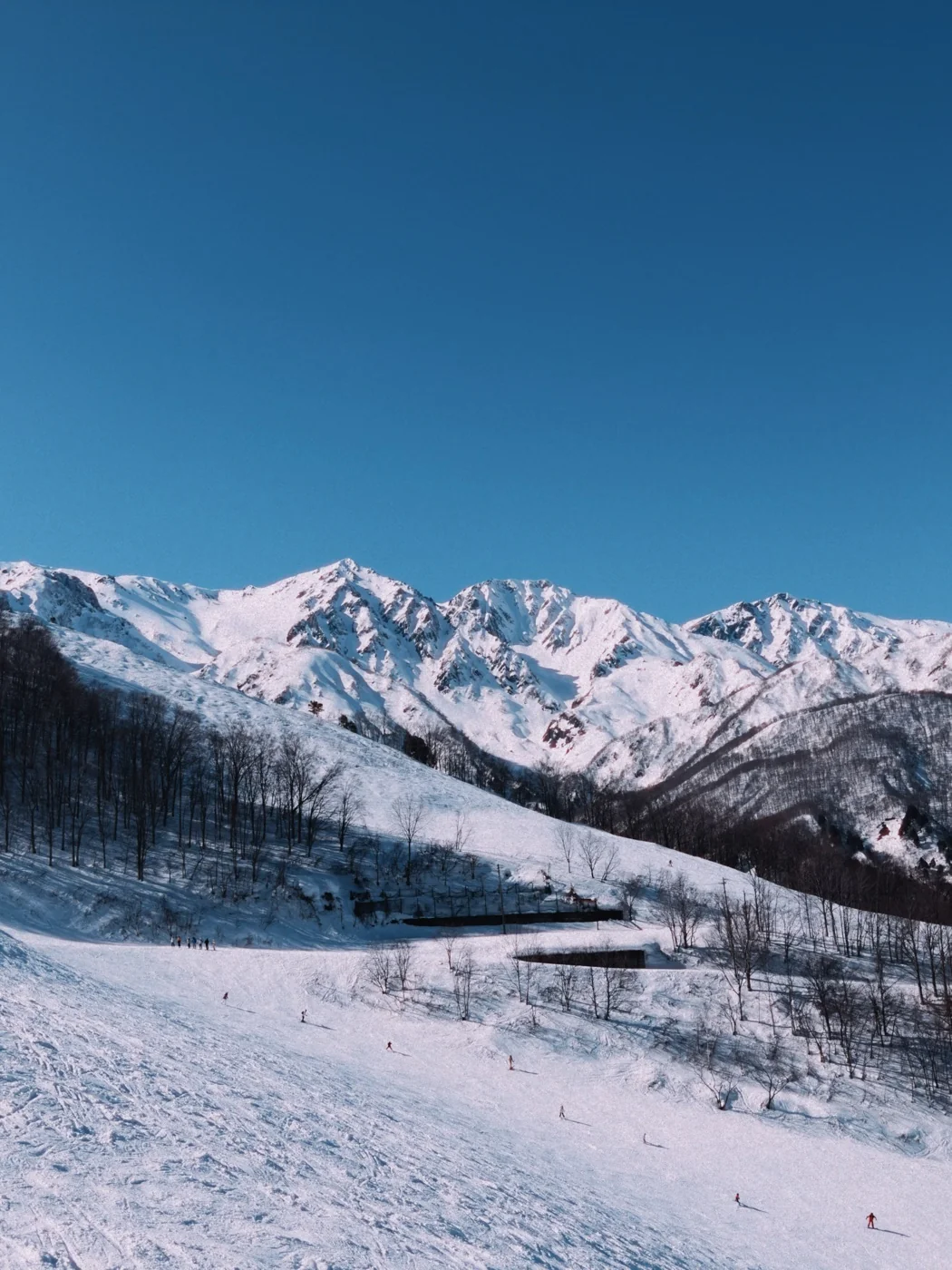
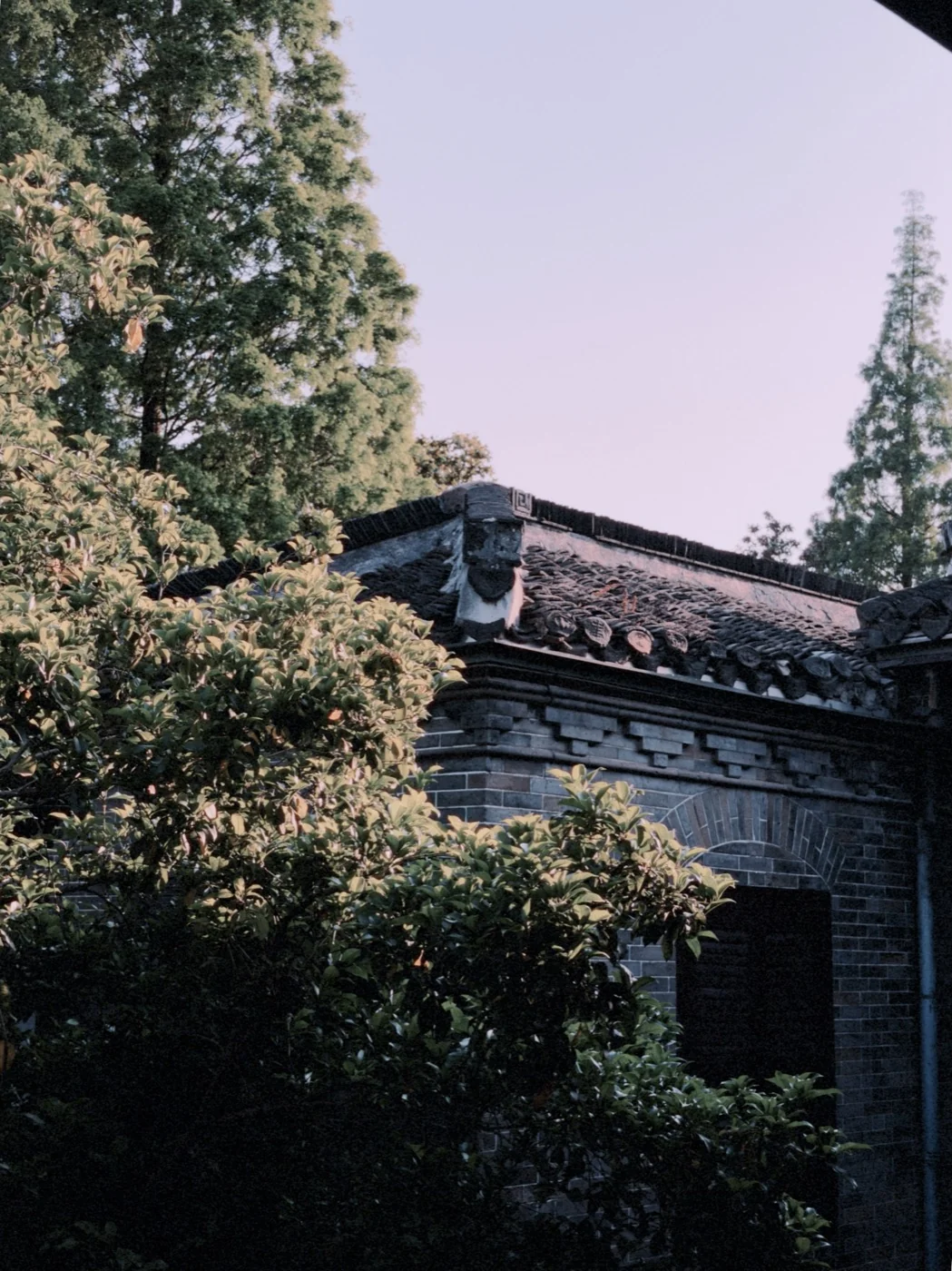
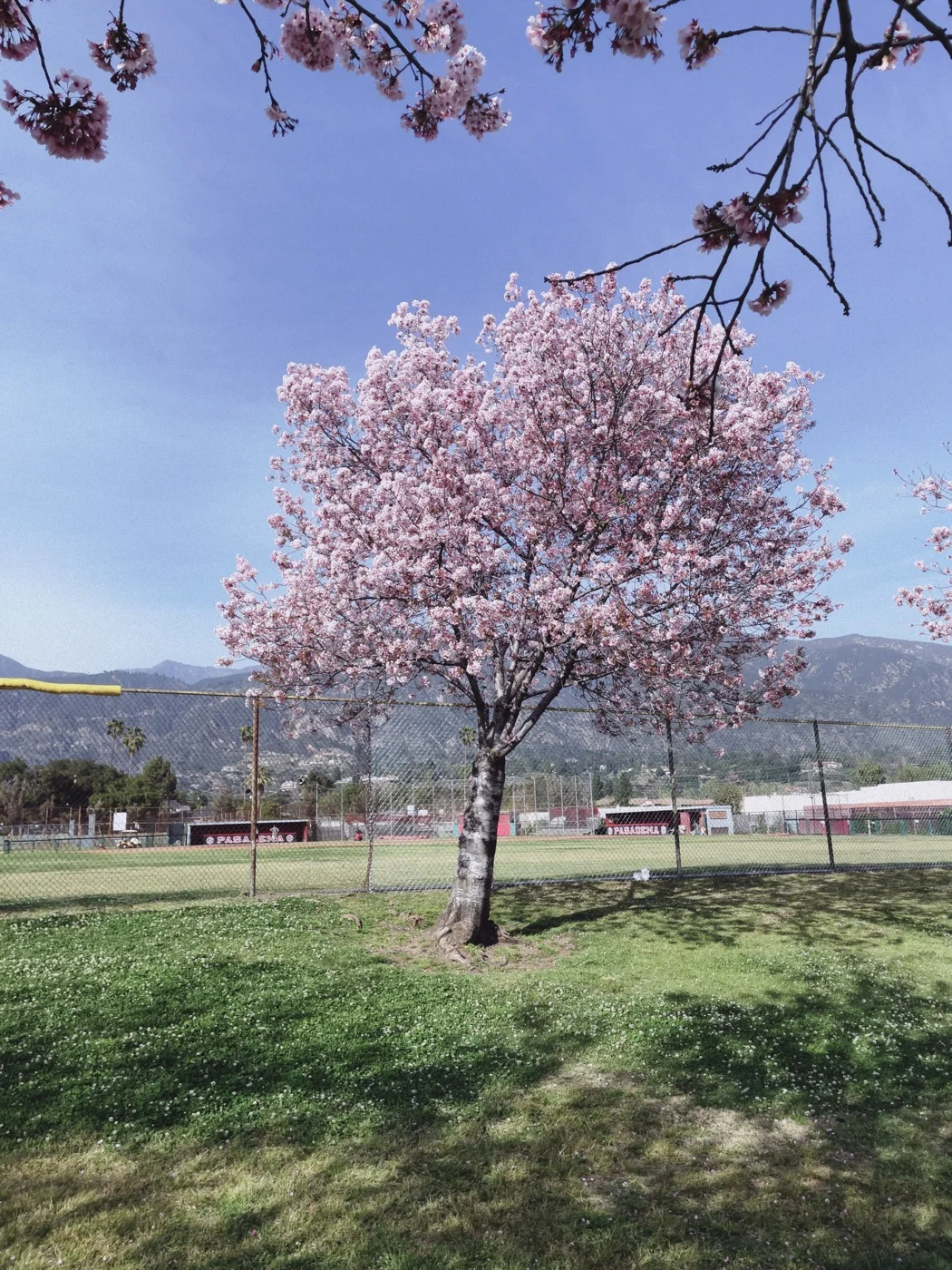
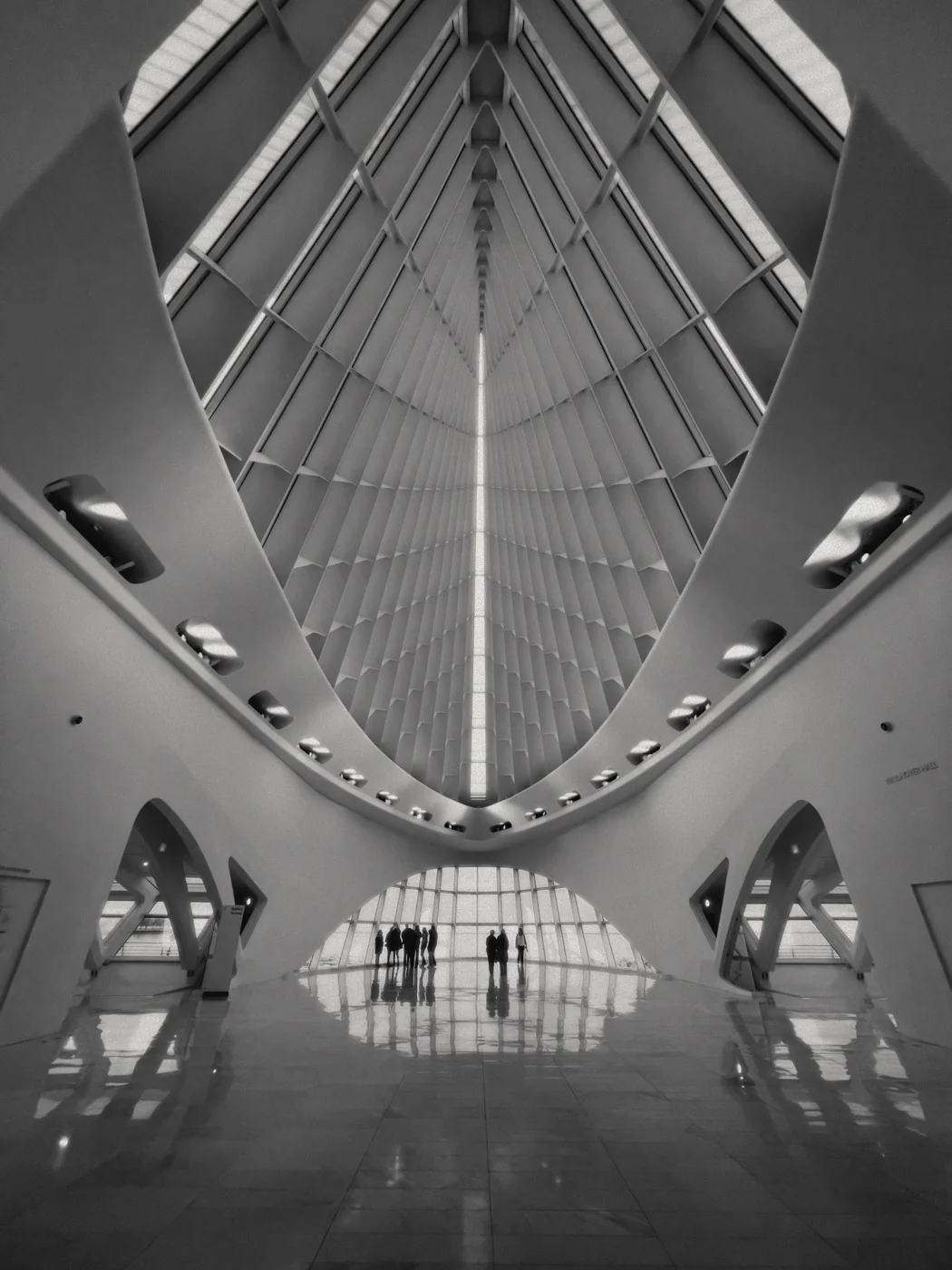
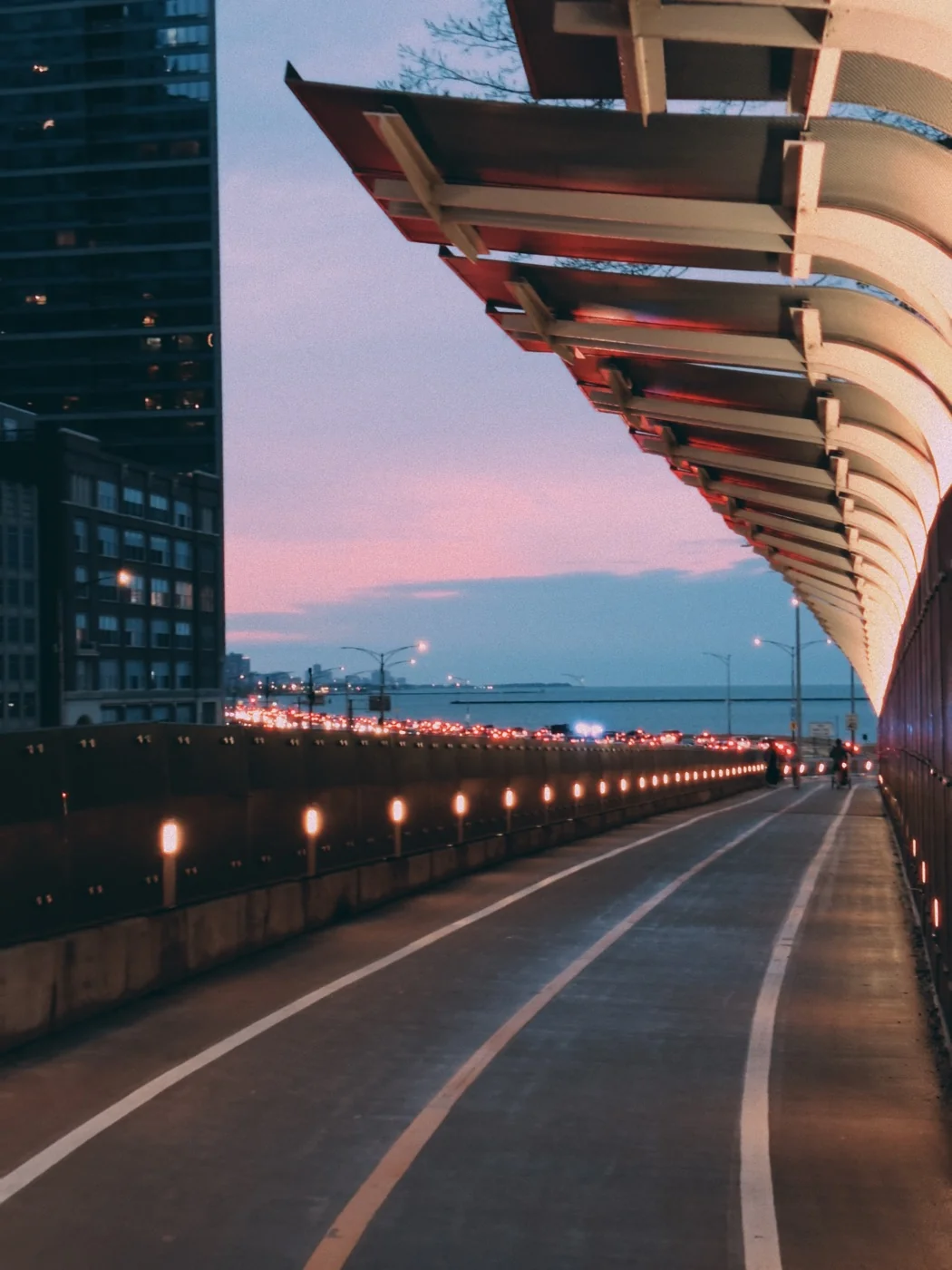
Capture, then develop
A camera on one side, a darkroom on the other.
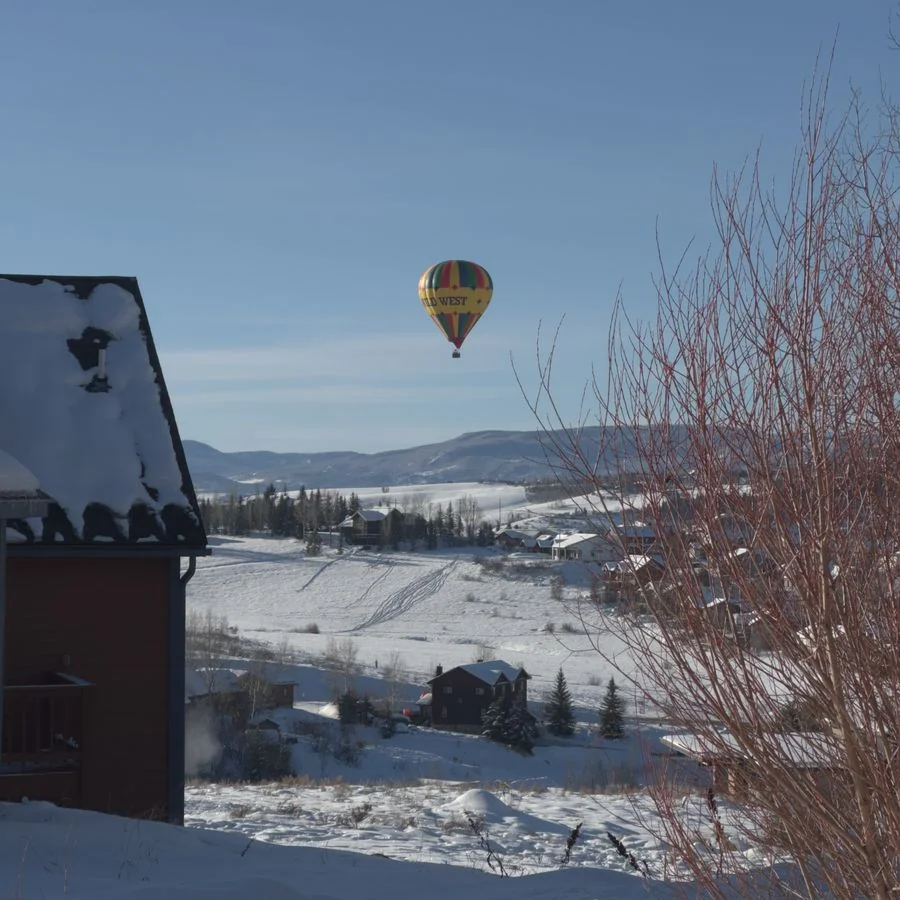
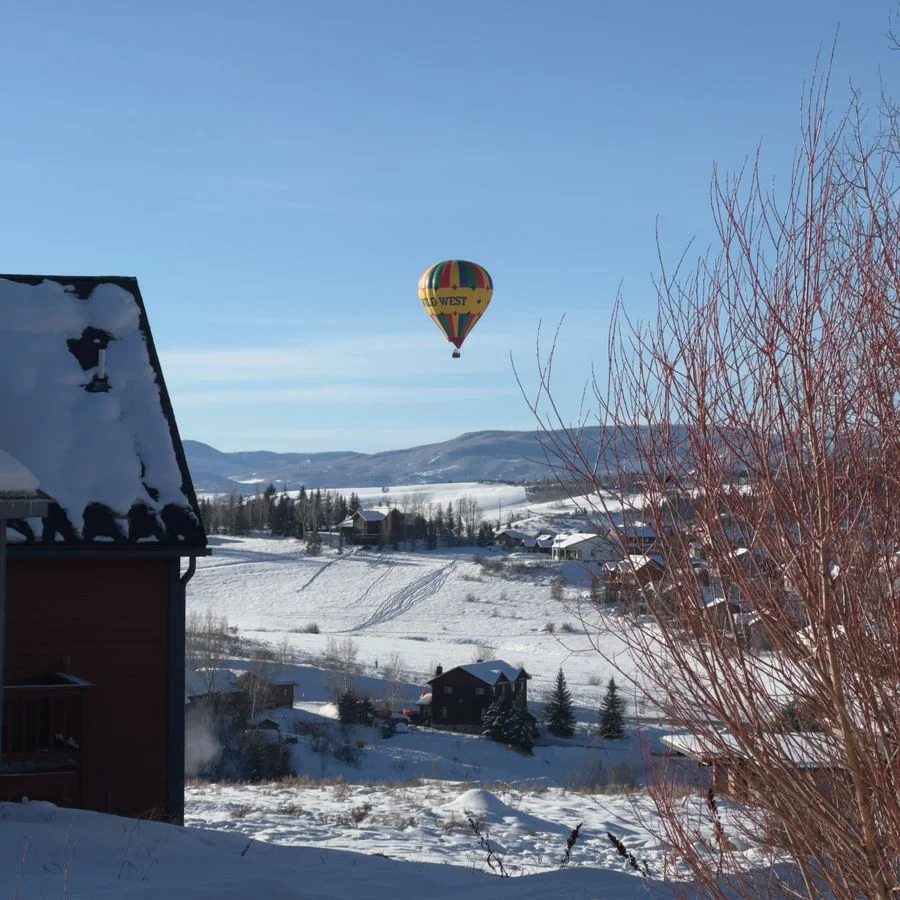
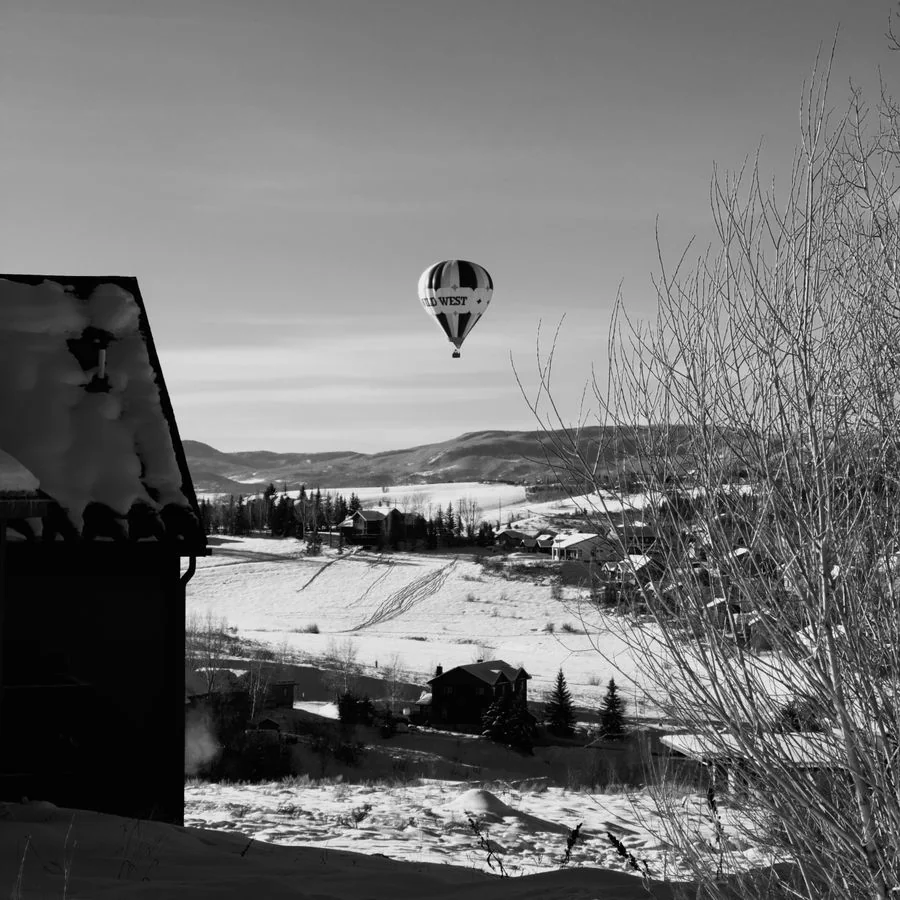

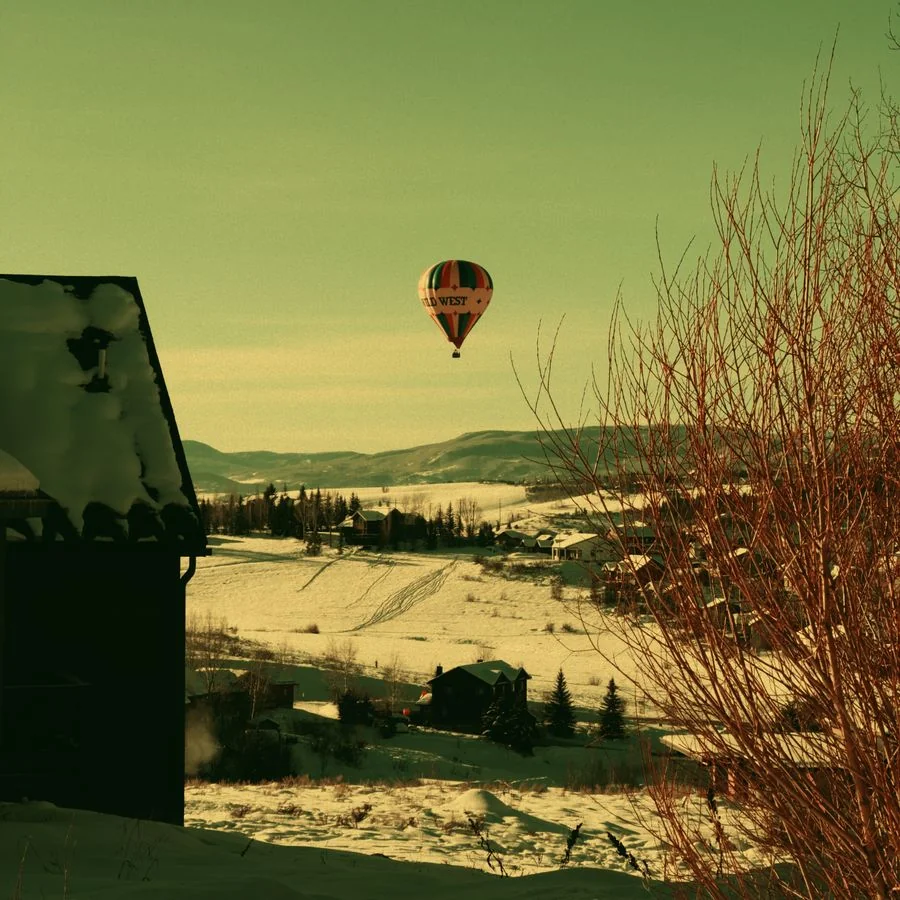
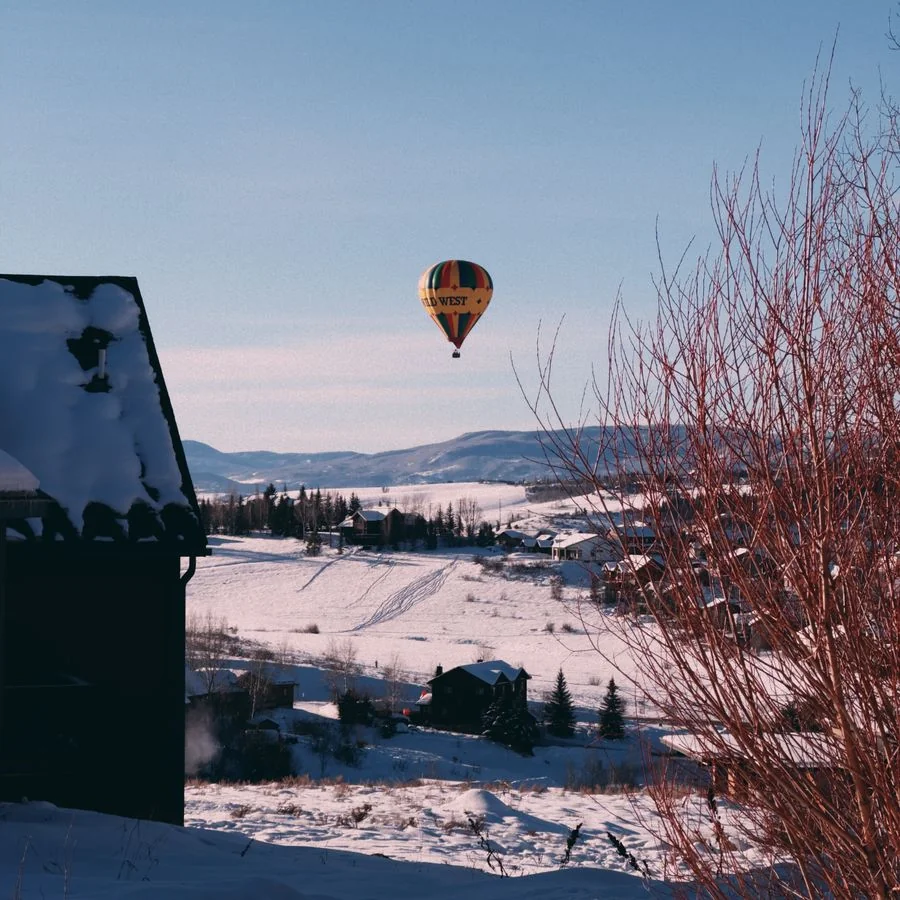
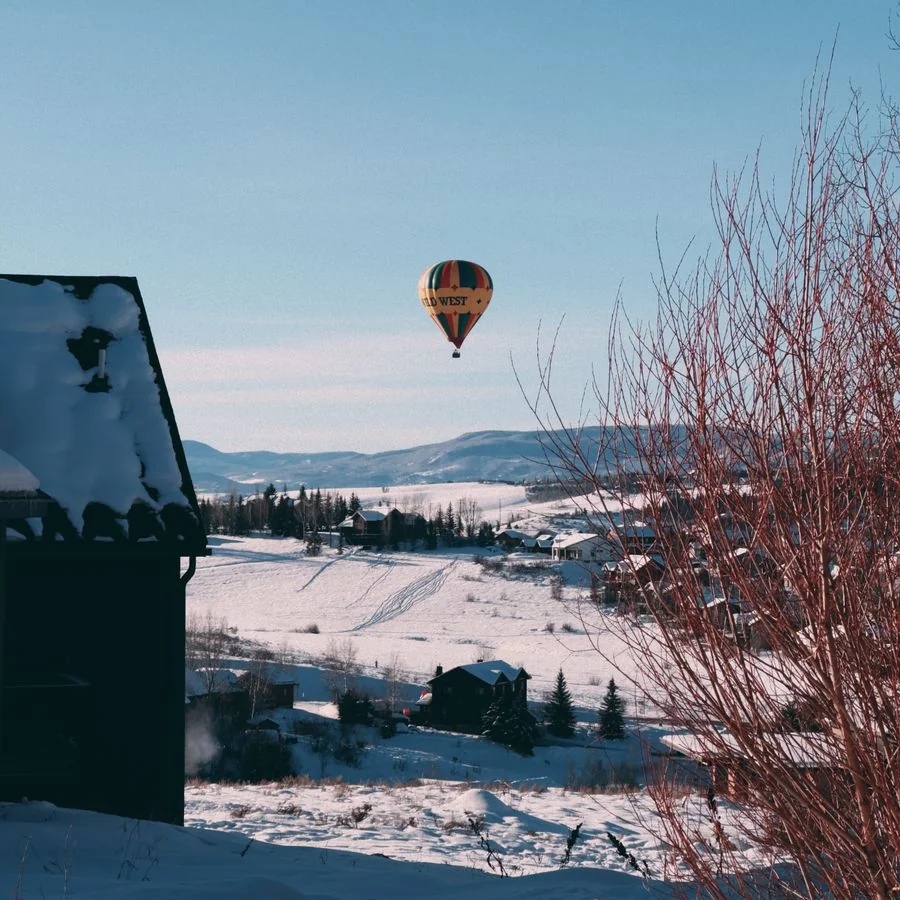
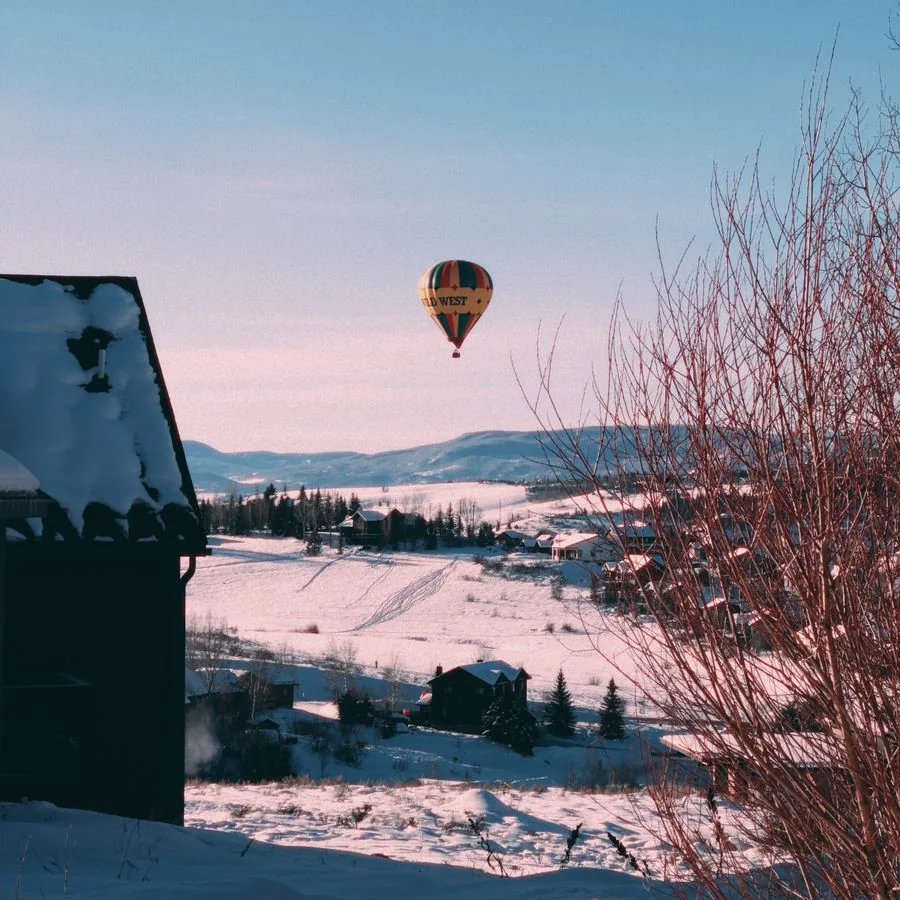
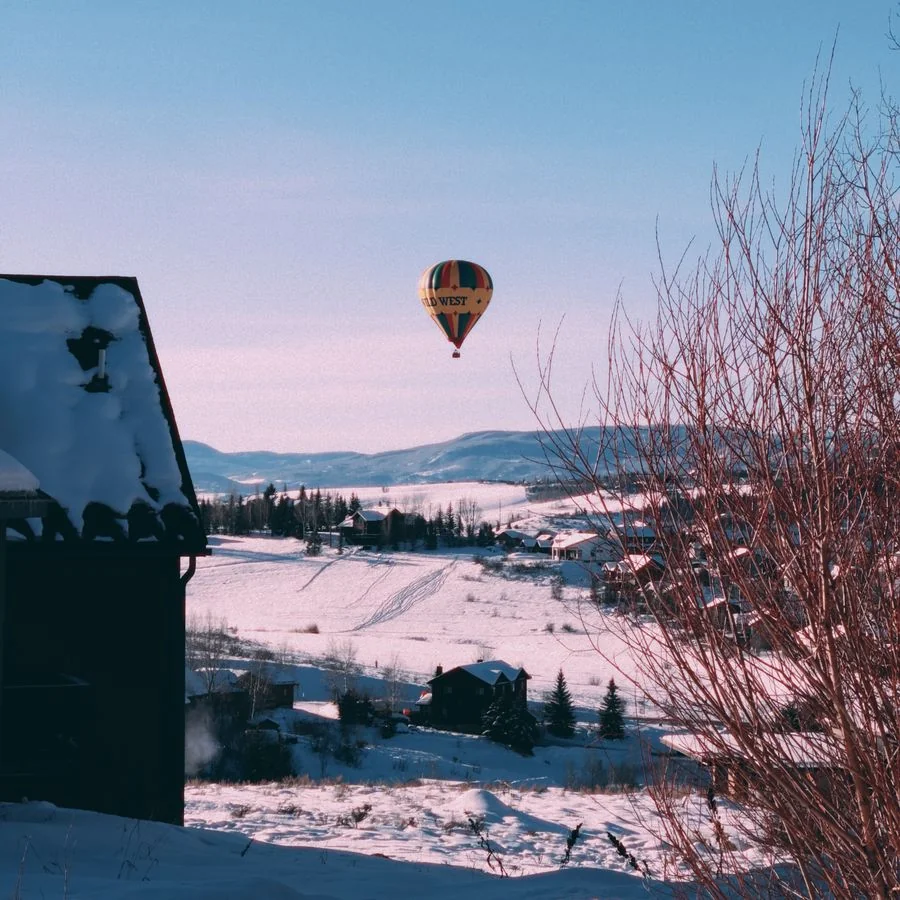
A film-physics engine builds the look from light-sensitive layers, each with its own tone, dye, and grain — the way film does. The look is developed into the photo, not a filter on top.
See the presets
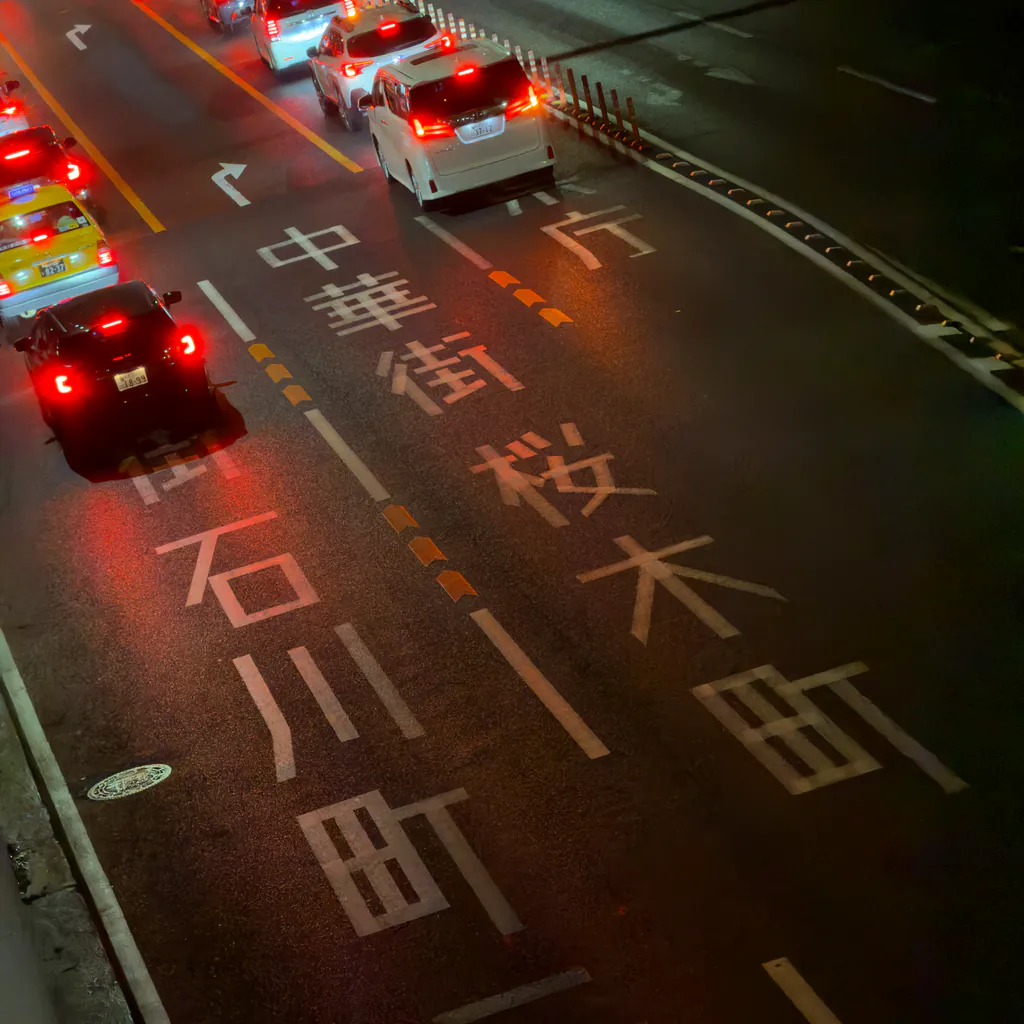
The same frame, two ways.
Drag the divider — left is the original photo, right is the same shot developed through Oqra's film engine. Switch the scene and the preset below.
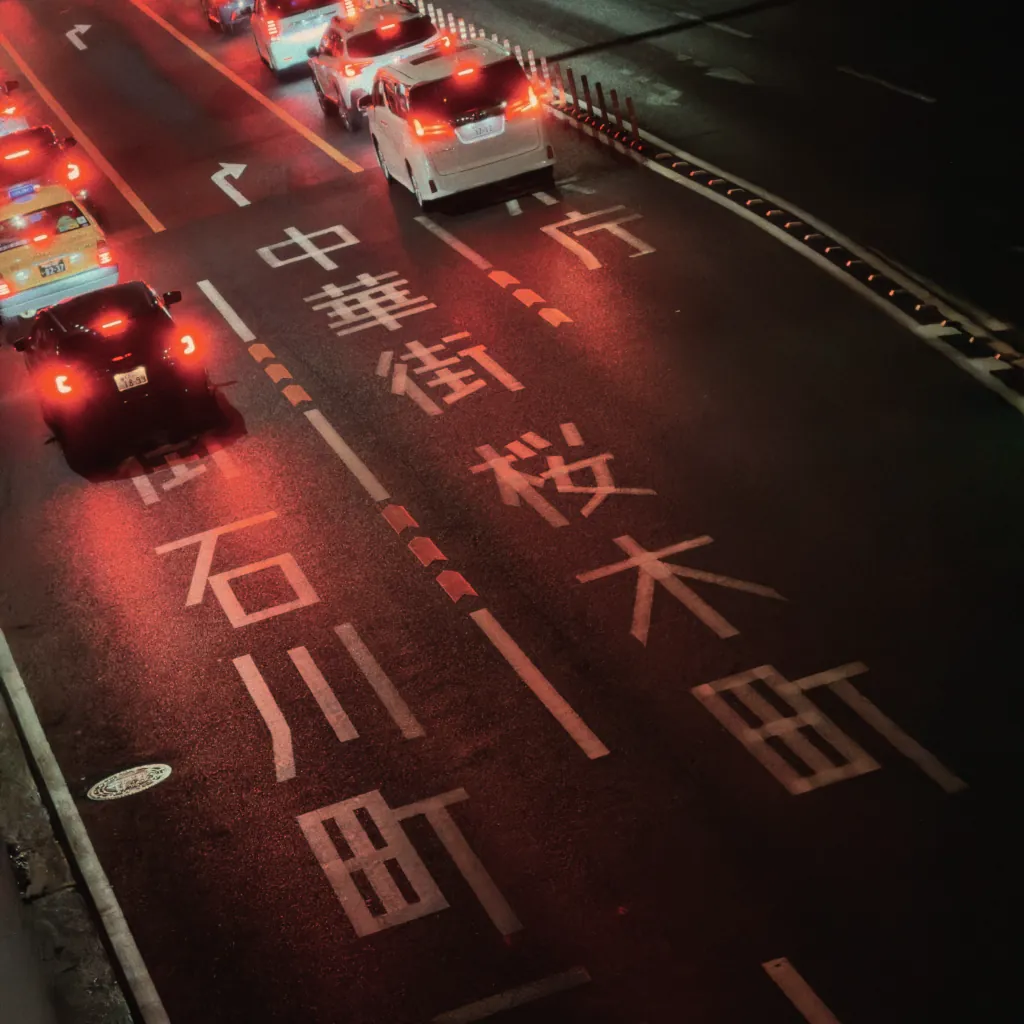
 Original
Golden
Warm, peach-toned light
Build & share
Build your own preset, then share it
A preset is a look you build layer by layer. It doesn't have to match any film stock. Every preset folds into a recipe you can share as a link or QR code.
Build & collect
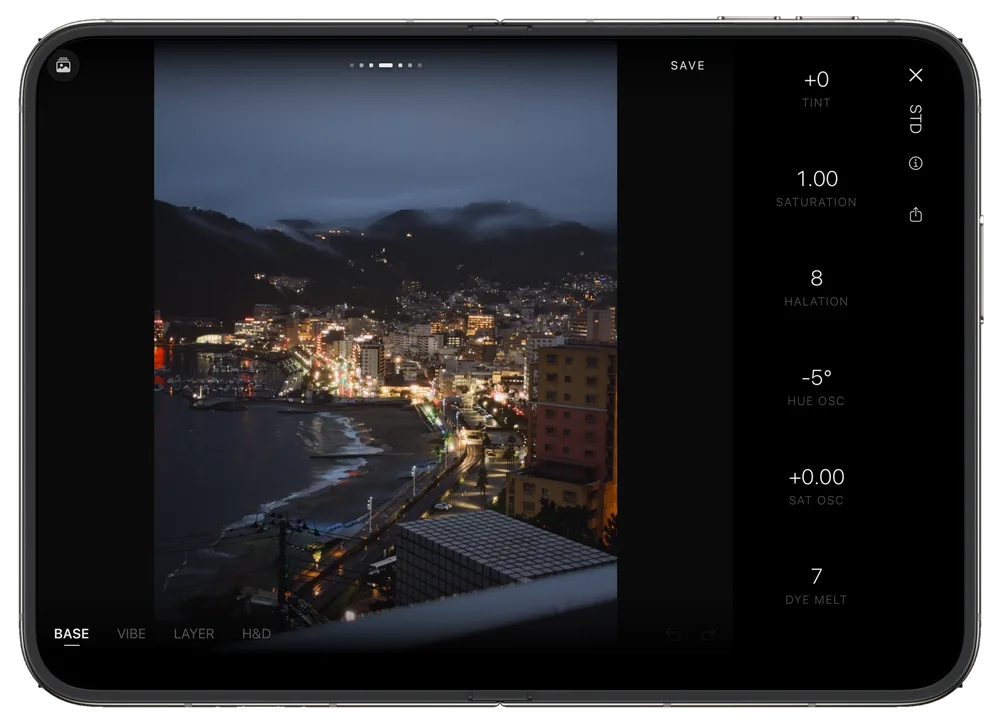
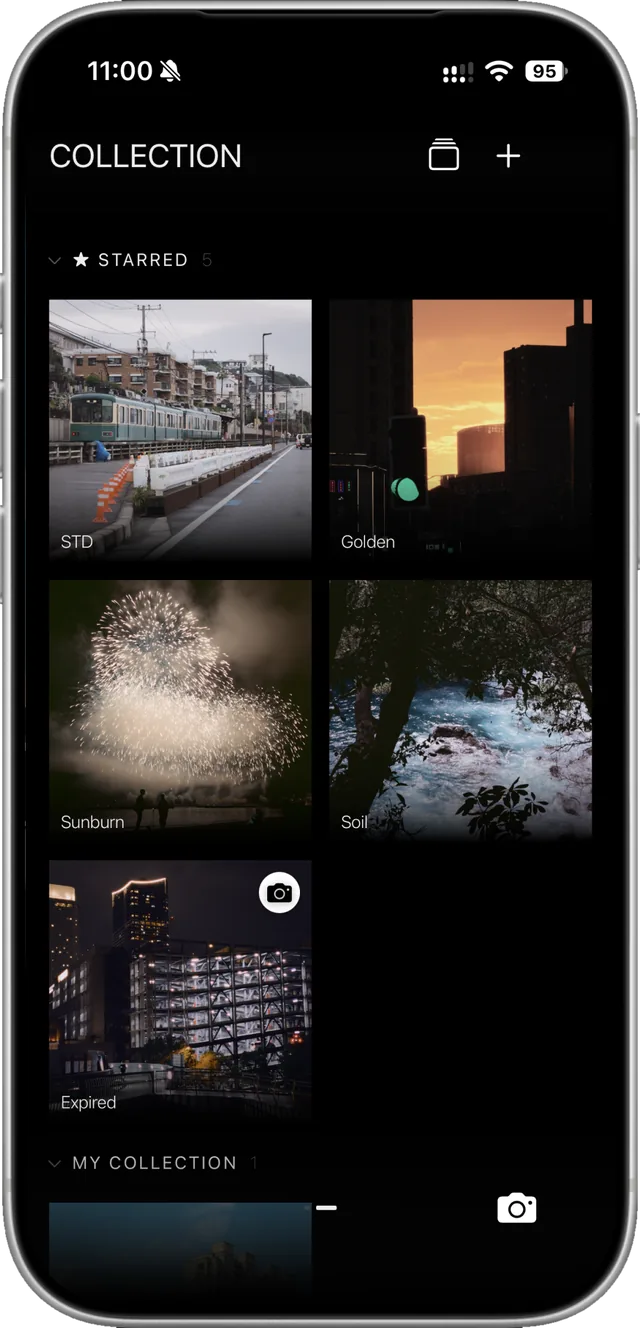
Keep your presets in a collection, one tap from shooting. Open one to tune its tint, halation, and dye.
Share
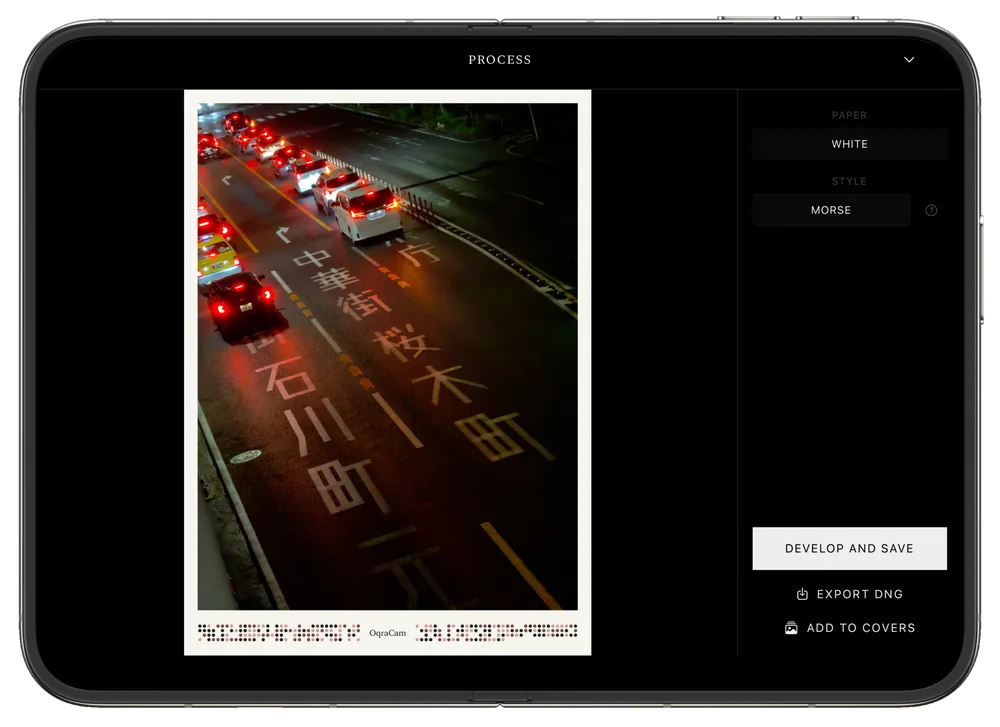
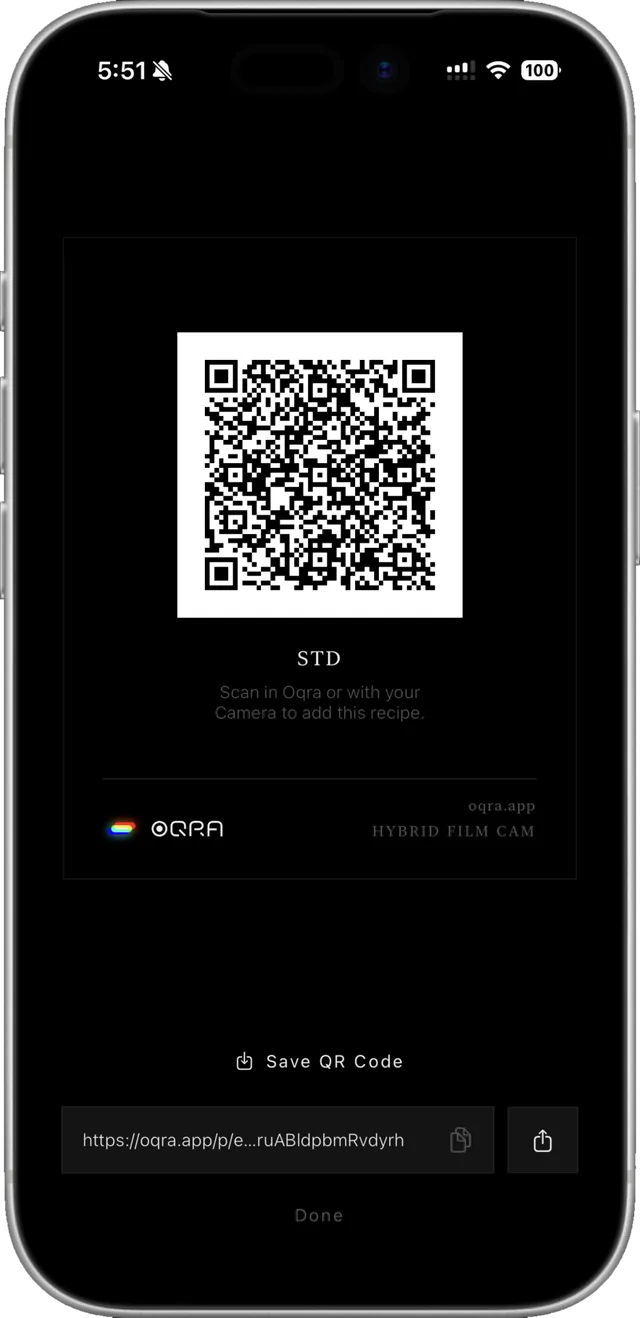
Send a preset as a QR code or a link. Or develop a shot into a poster: Oqra Morse, the line of dots along its edge, carries the recipe.
Built for iPhone
Shoot from the Lock Screen.
Click the Camera Control button on your Lock Screen and Oqra is already capturing — no passcode, no app-switch.
Camera Control ready
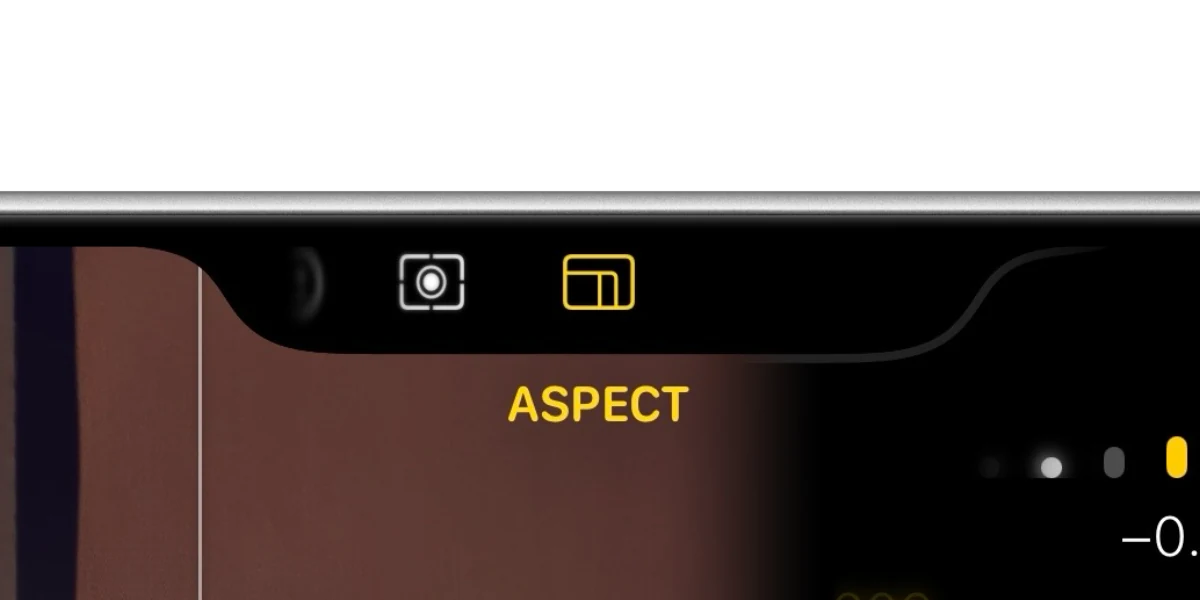
Frame, focus, and shoot from the Lock Screen button* — no passcode, no app-switch.
ProRAW & RAW
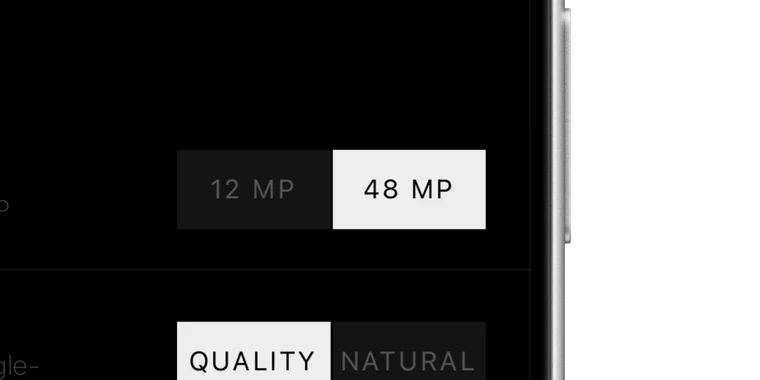
Apple ProRAW† and up to 48 MP — developed from the best file your device captures.
Captures Live Photos
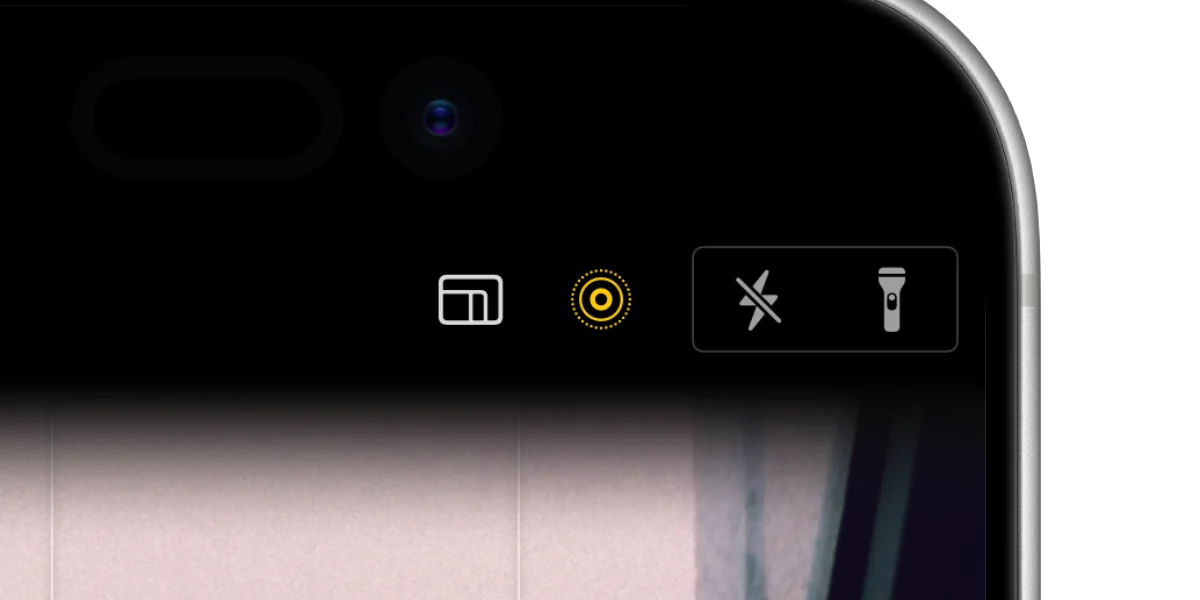
Your Live Photos get the same look — motion and all.
* Camera Control requires an iPhone with the Camera Control button.
† ProRAW on Pro iPhones; full-resolution DNG on every other model.
Apple, iPhone, Live Photos, ProRAW, and Camera Control are trademarks of Apple Inc., registered in the U.S. and other countries and regions. DNG is a trademark of Adobe Inc. Oqra is an independent product and has not been authorized, sponsored, or otherwise approved by Apple Inc.
Help
Support & questions
The fastest way to reach us is email — we read every message.
Found a bug or have a request? Email support@oqra.app with your iPhone model, iOS version, and a screenshot if you can.
Isn't this just a filter?
No. Oqra runs a film-physics engine — every shot is rebuilt from your full-resolution RAW through light-sensitive layers, with grain, halation, and dye. The look is part of the photo, not a filter laid on top.
Does Oqra copy classic film stocks?
No. Oqra models how film behaves and leaves the look to you. Presets aren't meant to be exact replicas. They're for playing and experimenting.
What's a preset, and how do I make or share one?
A preset is a look you load, then point and shoot. Build your own in the editor — set each layer's tone, dye, grain, and contrast — and save it to your collection. Every preset folds into a recipe: share it as a link or QR code, and anyone with Oqra can add it. Sent one to open? Tap their oqra.app/p/… link or scan the QR and it loads straight in.
Can I apply a preset to photos I've already taken, or change it later?
Yes to both. Open a preset in the editor, load a photo from your library or Files, and export it to develop and save a copy. Shots you take in Oqra develop as you shoot, and with Keep RAW Original on you can develop a RAW shot again from the album. That edit changes only that photo.
Does it shoot video, or just photos?
Both. Alongside photos and Live Photos, Oqra records film clips up to 30 seconds long (1920×1440, 24 fps), developed through the same preset.
Do my photos stay private?
Yes — everything develops on your phone. No account, no servers, nothing uploaded. See the privacy policy.
What iPhone do I need — and do I need a Pro?
iPhone 13 or newer, on iOS 18 or later. You don't need a Pro: Pro models capture in Apple ProRAW, every other iPhone captures full-resolution DNG, and Oqra develops both. ProRAW gives the engine the most to work with, so results can vary a little with what your camera captures — but a non-Pro iPhone is fully supported.
What does Oqra cost?
Oqra is free to download. Start a 14-day free trial to use everything. It costs nothing and doesn't turn into a subscription. After that, unlock Oqra with a one-time purchase or a yearly plan, and share either with your family. Photos you've taken always stay in your album, ready to edit and export, unlocked or not.
How do I restore a purchase or cancel the yearly plan?
On a new iPhone, tap Restore on Oqra's unlock page. To cancel the yearly plan, use Manage Subscription in Oqra or Settings › Apple Account › Subscriptions, at least a day before it renews.